|
||||
 |
FILE 11221/17020 |  |
 |
 |
 |
|
|||
|
 |
||||||||
|
||||||||
|
| File information | |
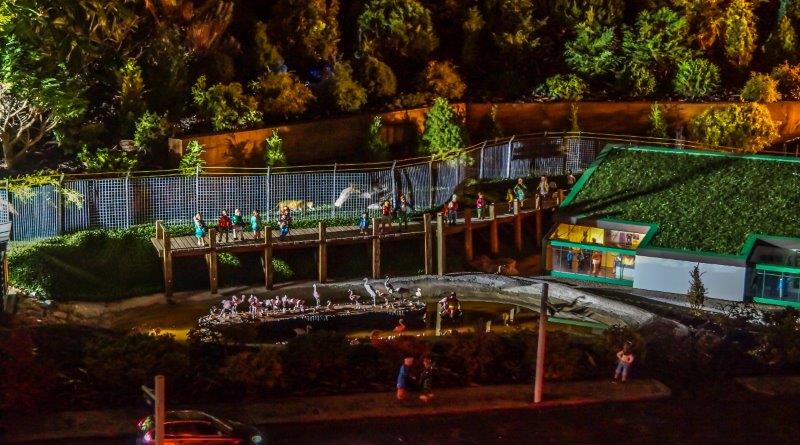
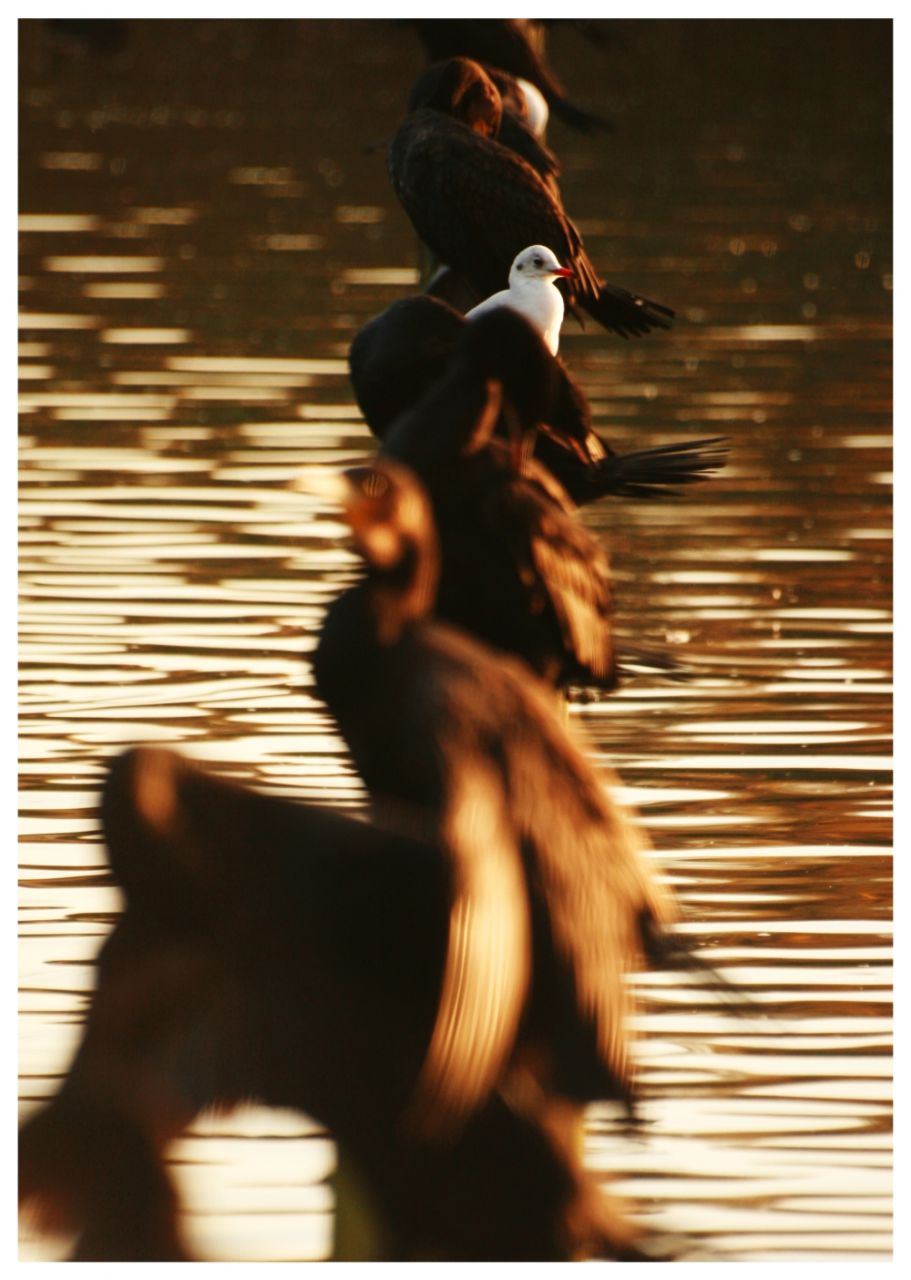
| Filename: | circled duck.jpg |
| Album name: | SimonW / Simon |
| Filesize: | 236 KiB |
| Date added: | Feb 01, 2010 |
| Dimensions: | 896 x 737 pixels |
| Displayed: | 149 times |
| Color Space: | Uncalibrated |
| EXIF Image Height: | 737 pixels |
| EXIF Image Width: | 896 pixels |
| Resolution Unit: | Inch |
| Software: | Adobe Photoshop Elements 8.0 Windows |
| Y Resolution: | 72 dots per ResolutionUnit |
| URL: | https://cameracraniums.com/gallery/displayimage.php?pid=5660 |
| Favorites: | Add to Favorites |
| BBCode normal size: | |
| BBCode full size: | |
Comment 1 to 3 of 3 Page: 1 |
|
|||
|
I know how to draw straight lines in PSE11, but not sure how to draw a circle.
|
|
|||
|
Eliptical marquee tool, hold down shift and pull a circle. Whilst holding down the shift key and the mouse button, hold down the space bar to move the circle where you want. release mouse button before you release the shift key.
|
|
|||
|
Thanks Simon. I'll try to remember it.
|
Comment 1 to 3 of 3 Page: 1 |
 Home
Home Login
Login Forums
 Album list
 Last uploads
 Last comments
 Most viewed
 Top rated
 My Favorites
 Search