|
FILE 246/408 |  |
 |
 |
 |
|
||
|
 |
||||||||
|
||||||||
|
| File information | |
| Filename: | HDR_church_resize_2.jpg |
| Album name: | Jediboy / Architecture |
| Filesize: | 969 KiB |
| Date added: | Jan 13, 2014 |
| Dimensions: | 1280 x 1010 pixels |
| Displayed: | 119 times |
| Color Space: | Uncalibrated |
| EXIF Image Height: | 1515 pixels |
| EXIF Image Width: | 1920 pixels |
| Exposure Time: | 1/125 sec |
| FNumber: | f/11 |
| Focal length: | 10 mm |
| ISO: | 1000 |
| Model: | NIKON D300 |
| Resolution Unit: | Inch |
| Software: | Adobe Photoshop Elements 9.0 Windows |
| Y Resolution: | 72 dots per ResolutionUnit |
| URL: | https://cameracraniums.com/gallery/displayimage.php?pid=15121 |
| Favorites: | Add to Favorites |
| BBCode normal size: | |
| BBCode full size: | |
Comment 1 to 4 of 4 Page: 1 |
|
|||
|
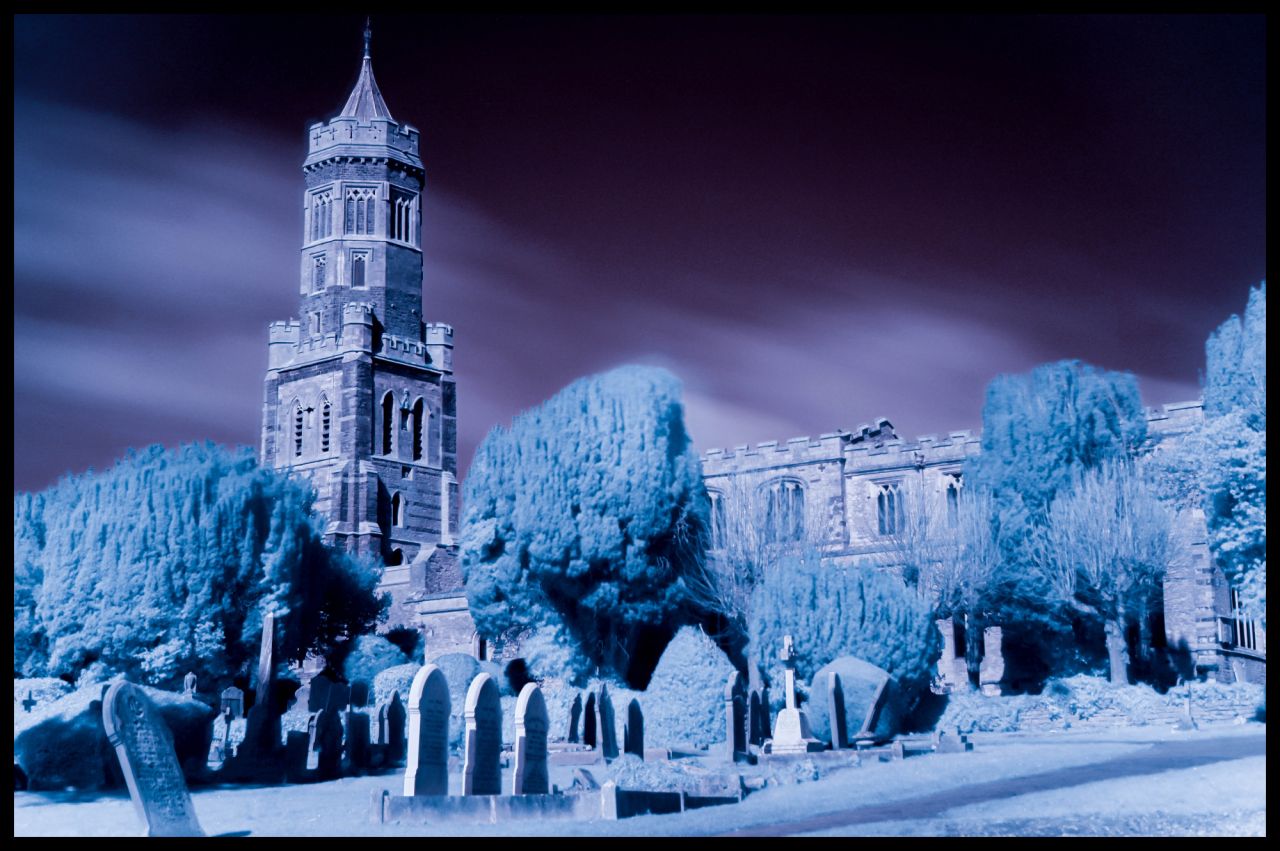
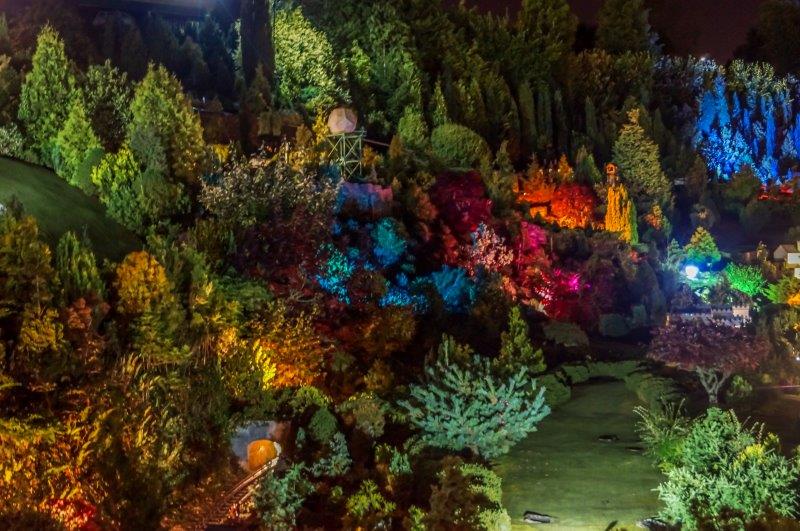
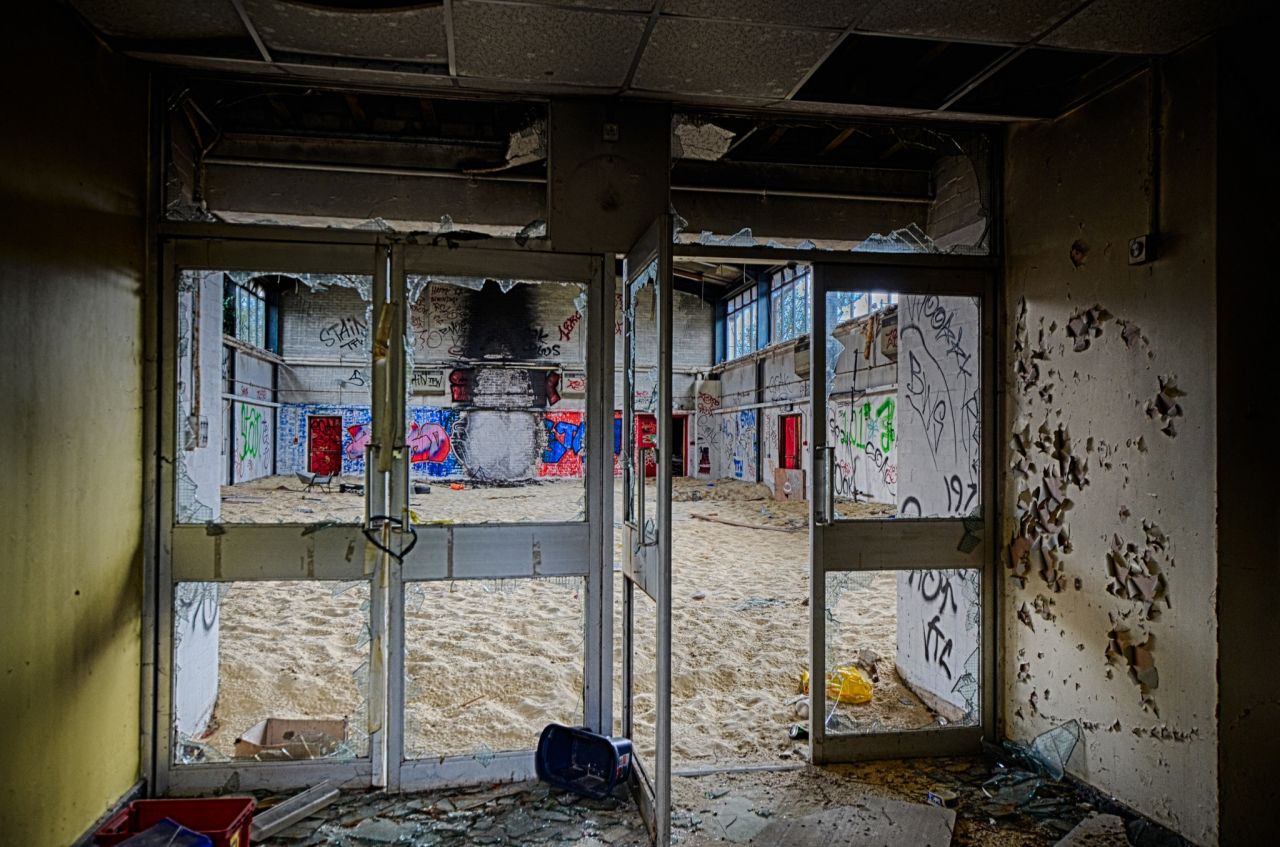
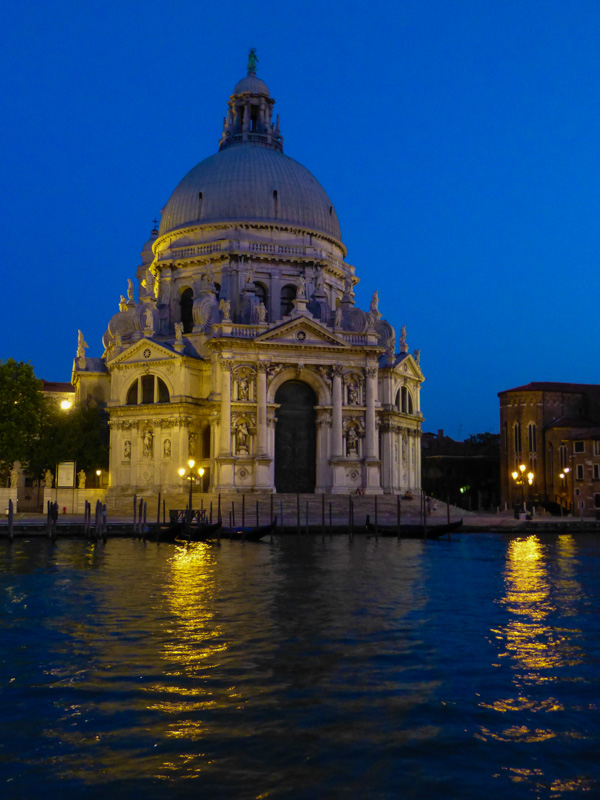
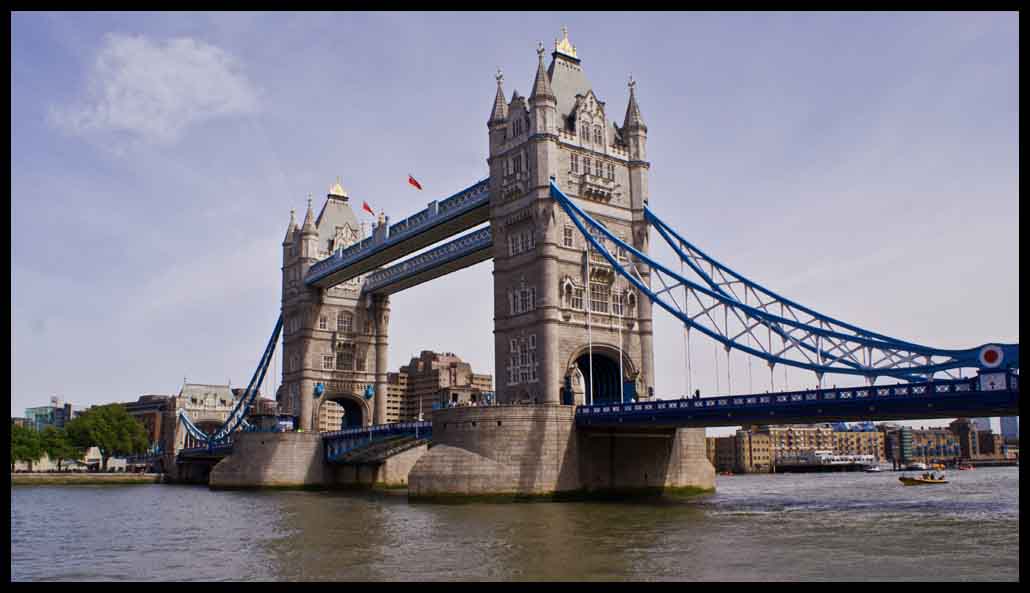
A bit overworked and over saturated for me but I realise you are just trying out. I always find cloudier or even grey sky conditions best for HDR work to see more detail in the sky
|
|
|||
|
agree with above its a little overcooked
|
|
|||
|
I agree. Just having a play and trying to get my head around Photomatix. Will look at toning it down a bit. Cheers.
|
|
|||
|
I use photomatix. get roughly what I want then take it back into Paint shop Pro and tweek it til I achieve what Im after
|
Comment 1 to 4 of 4 Page: 1 |
 Home
Home Login
Login Forums
 Album list
 Last uploads
 Last comments
 Most viewed
 Top rated
 My Favorites
 Search